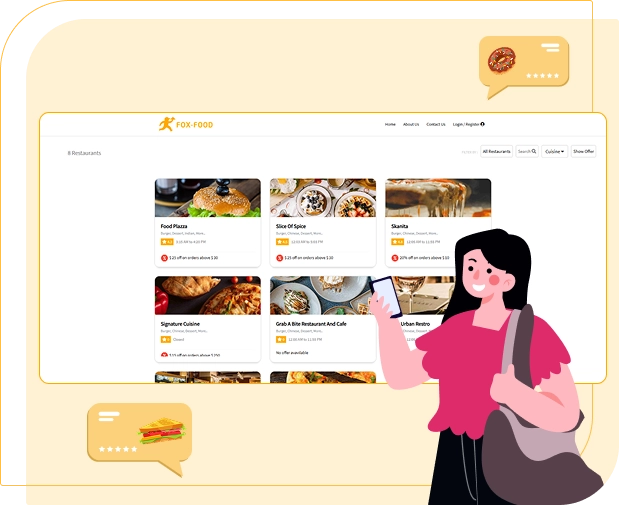
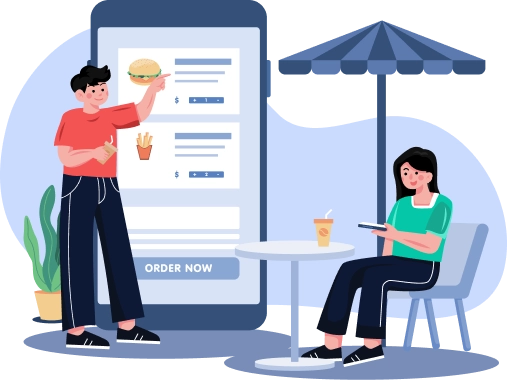
Food Delivery App Live Demo

Food Delivery App Live Demo to Launch Your On-Demand Business Faster

Experience a powerful food delivery app built for global markets. Access a free food delivery app live demo with real-time ordering, smart delivery flow, and a US-market-ready user experience—designed to scale fast and convert more users.

Food delivery app solution
User App Demo

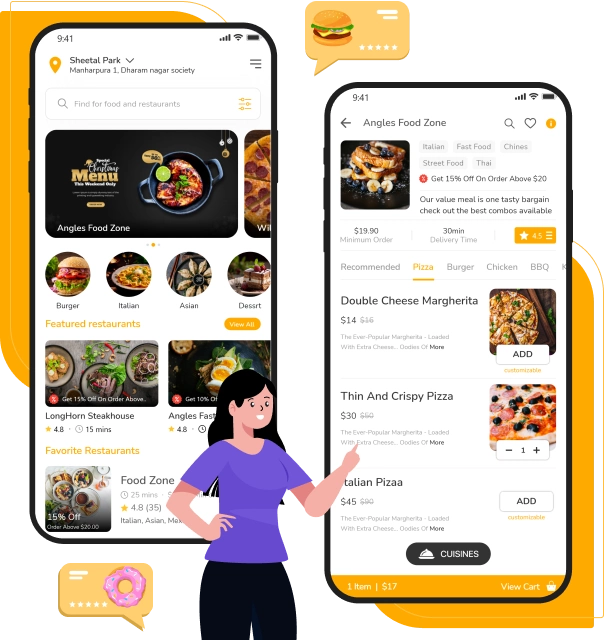
User App Live Demo – Seamless Food Ordering Experience

Explore the food delivery app live demo from a user’s view, featuring smooth onboarding, quick ordering, real-time tracking, and secure payments.

User App Demo

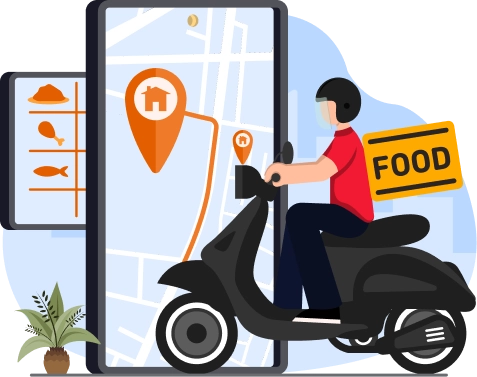
The User App Live Demo lets you experience how customers interact with your food delivery app in real time. From quick sign-up to browsing nearby restaurants, every step is designed for speed and ease. The clean US-market-focused interface helps users discover food faster, place orders confidently, and enjoy a smooth digital ordering journey.

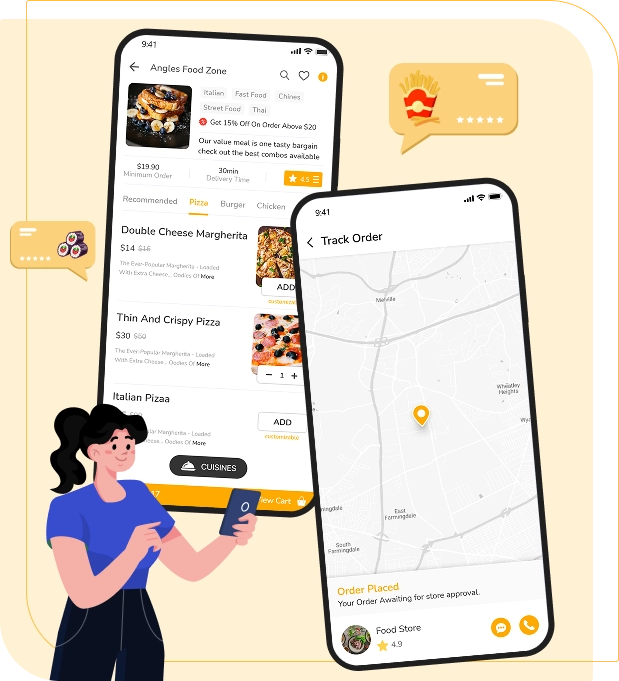
Users can search restaurants, explore menus with images, customize orders, and apply offers within seconds. The live demo highlights smart filters, clear pricing, and accurate delivery estimates that reduce drop-offs. This food delivery app flow is built to keep users engaged and guide them effortlessly from food discovery to order confirmation.

The demo also showcases real-time order tracking, where users can follow order status from preparation to doorstep delivery. Push notifications keep customers informed at every stage. This transparency builds trust, improves satisfaction, and reflects how a professional food delivery app should perform in real-world conditions.

Secure checkout is a key highlight of the User App Live Demo. Customers can choose preferred payment methods, save addresses, and reorder favorites easily. The app is optimized for repeat usage, helping businesses increase order frequency and customer retention while delivering a reliable and intuitive food delivery app experience.

Driver App Live Demo

Driver App Live Demo – Smart Delivery & Earnings Control

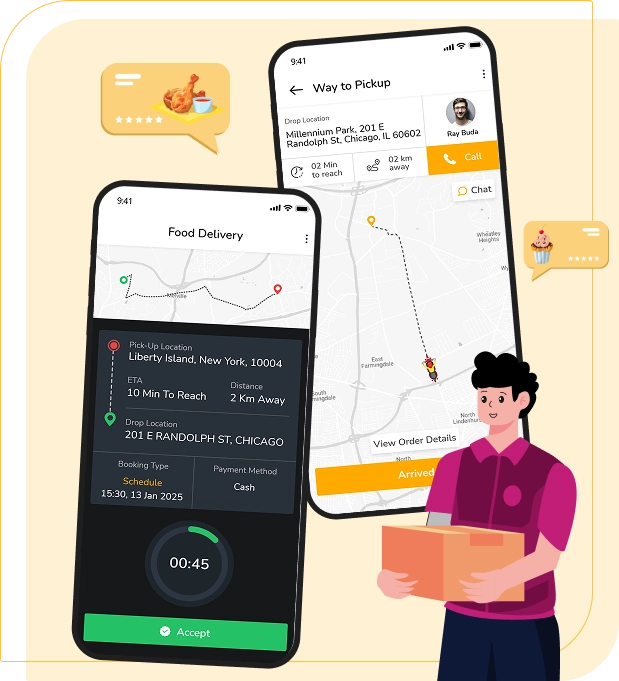
View the food delivery app live demo from a driver’s side, featuring easy onboarding, smart order alerts, route guidance, and earnings tracking.

The Driver App Live Demo shows how delivery partners manage orders with speed and clarity. Drivers can log in quickly, go online, and start receiving delivery requests instantly. The interface is simple and distraction-free, helping drivers accept orders faster and focus on timely pickups and smooth deliveries.

This live demo highlights real-time order alerts with clear pickup and drop details. Drivers can view restaurant locations, customer addresses, and delivery instructions in one screen. Smart notifications reduce missed orders and improve delivery efficiency, making the food delivery app reliable for both drivers and customers.

Built-in navigation support helps drivers choose optimal routes and avoid delays. The demo reflects a US-market-focused delivery flow where drivers get accurate distance estimates and delivery timelines. This improves on-time delivery rates and ensures a consistent experience across cities and regions.

The Driver App Live Demo also displays earnings transparency. Drivers can track completed orders, daily income, incentives, and payout history in real time. This level of visibility builds trust and motivates drivers to stay active, supporting long-term growth for your food delivery app business.

Driver App Live Demo

Launch Your Food Delivery Business with Confidence

See how a market-ready food delivery app performs in real time. Access a free live demo, validate features, and plan your launch with clarity and confidence.

Launch your on-demand food app
 
Store App Demo
 

Store App Live Demo – Efficient Order & Menu Management

Explore the food delivery app live demo for stores, designed to manage orders, menus, and preparation flow with speed and accuracy.

Store App Demo

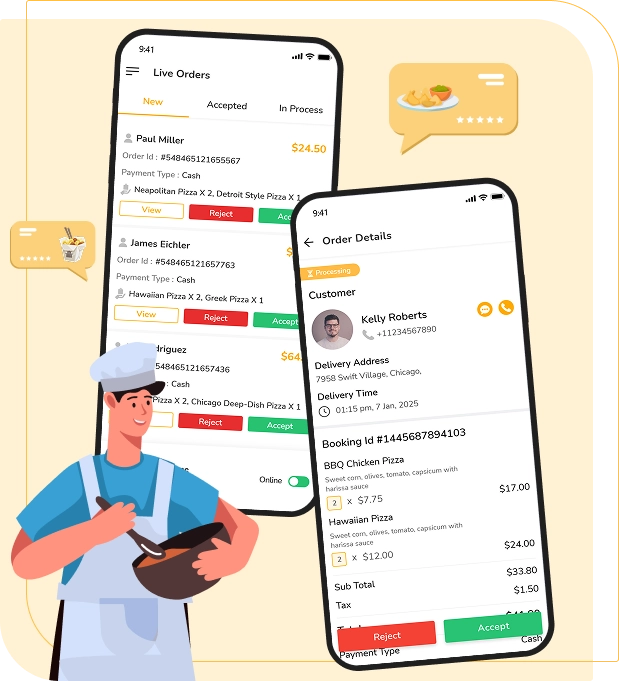
The Store App Live Demo shows how restaurants and food outlets manage daily operations with ease. Store owners can receive orders instantly, view order details clearly, and confirm preparation with a single tap. The interface is built to reduce confusion during peak hours and help stores process more orders without delays.

This live demo highlights smart order handling features such as order acceptance, preparation status updates, and ready-for-pickup notifications. Stores can manage dine-in and delivery orders efficiently from one screen. This streamlined flow helps maintain accuracy and improves coordination between stores and delivery partners.

Menu and pricing control is a key advantage of the Store App Live Demo. Restaurants can update menus, manage item availability, and control pricing in real time. This flexibility allows stores to respond quickly to demand, avoid order cancellations, and maintain a consistent customer experience across locations.

The demo also reflects how stores can track daily performance through order history and sales insights. Clear visibility into active and completed orders helps improve preparation speed and service quality. With this store-focused experience, your food delivery app supports smoother operations and long-term restaurant retention.

Web Admin Panel Demo

Web Admin Panel Live Demo – Complete Business Control Dashboard

Explore the food delivery app live demo for the web admin panel, built to monitor users, orders, stores, drivers, and revenue from one place.

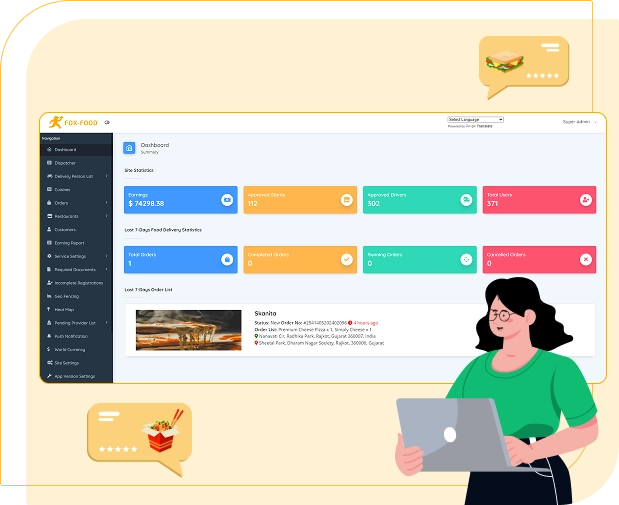
The Web Admin Panel Live Demo gives business owners full control over their food delivery app operations. From a centralized dashboard, admins can monitor live orders, active users, stores, and drivers in real time. The interface is designed for clarity, helping decision-makers track performance without technical complexity.

This live demo highlights powerful order and user management tools. Admins can view order flow, manage cancellations, resolve disputes, and control customer and driver accounts easily. These controls ensure smooth platform operations while maintaining service quality across multiple cities and regions.

Revenue tracking and business insights are key strengths of the Web Admin Panel Live Demo. Admins can analyze earnings, commissions, peak hours, and store performance through visual reports. This data-driven approach helps businesses optimize pricing, promotions, and operational strategies for higher profitability.

The demo also showcases advanced configuration options such as commission settings, payment management, service zones, and promotional controls. With secure access and scalable architecture, the admin panel supports multi-country growth and long-term expansion, making your food delivery app ready for global operations.

Web Admin Panel Demo
Store Panel Demo

Store Panel Demo – Centralized Control for Restaurant Operations

Explore the Store Panel Demo to manage orders, menus, pricing, and performance from a web-based dashboard built for restaurants.

Store Panel Demo

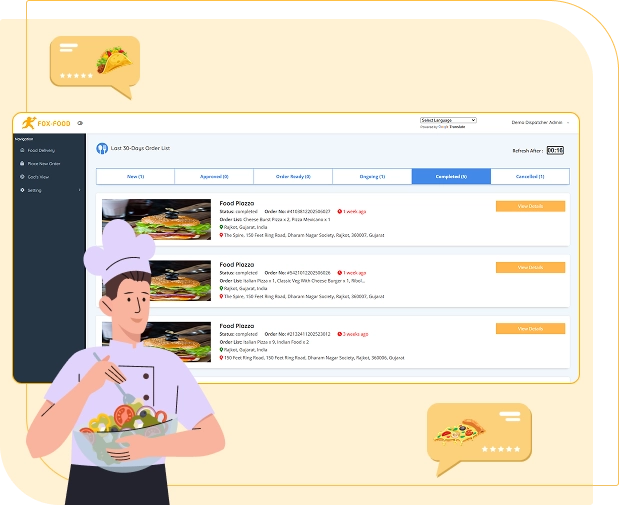
The Store Panel Demo presents a web-based control system designed for restaurant owners and managers. From a single dashboard, stores can view incoming orders, track order status, and manage daily operations without relying only on mobile apps. This setup is ideal for handling high order volumes with better visibility.

In this live demo, stores can manage menus, item availability, pricing, and offers in real time. Updates made in the Store Panel reflect instantly on the user app, helping restaurants avoid order errors and out-of-stock issues. This flexibility allows stores to respond quickly to demand and peak-hour changes.

The Store Panel Demo also highlights order lifecycle management. Restaurants can accept, reject, or prepare orders while coordinating smoothly with delivery partners. Clear status updates reduce delays and miscommunication, ensuring faster preparation times and a better overall food delivery experience.

Performance insights are a key advantage of the Store Panel Demo. Store owners can review order history, sales trends, and peak hours through easy-to-read reports. These insights help restaurants optimize operations, improve service quality, and grow consistently on your food delivery app platform.

User Panel Demo

User Panel Demo – Manage Orders, Payments, and Profile with Ease

Explore the User Panel Demo that lets customers manage orders, track deliveries, handle payments, and control profiles from one dashboard.

The User Panel Demo showcases a web-based dashboard designed for customers who prefer managing their food orders beyond mobile apps. Users can log in securely, view active and past orders, and access complete order details in one place. This panel improves convenience and gives users better control over their ordering activity.

Through the User Panel Demo, customers can track order status in real time, view delivery updates, and receive notifications directly on the web. Clear order timelines help users stay informed from order placement to delivery completion. This transparency builds trust and enhances the overall food delivery experience.

The demo also highlights easy account and payment management. Users can update personal details, save multiple addresses, and manage preferred payment methods securely. Quick reordering and access to invoices simplify repeat purchases, encouraging users to place more orders on your food delivery app.

Order history and support access are key features of the User Panel Demo. Customers can review past orders, raise support requests, and manage refunds or issues efficiently. By offering a complete self-service dashboard, your food delivery app delivers a professional, user-friendly experience that boosts long-term customer loyalty.

User Panel Demo

Ready to See the Food Delivery App Live in Action?

Experience a real-world food delivery app live demo built for scale, speed, and global growth. Validate features, workflows, and performance before launch.

Technology Stack

Tech Stack We Use to Build Exceptional Solutions

We use a secure, scalable tech stack to deliver high performance, fast loading, and seamless user experiences across platforms.

iOS

Android

Google Maps

Android Studio

Flutter

BitBucket

Swift

Java

Firebase

Bootstrap

Laravel

CSS 3

HTML 5

MySQL

Php

FAQ’s

Frequently Asked Questions

What is a food delivery app live demo and how does it work?

A food delivery app live demo lets you explore the complete platform in real time, including user, store, driver, and admin panels. You can test order flow, delivery tracking, payments, and management features before making any business or technical commitment.

Is the food delivery app live demo completely free to access?

Yes, Applionsoft offers a free food delivery app live demo. You can evaluate features, user experience, and business workflows without any upfront cost, helping you make a confident and informed decision.

Can I customize the food delivery app after the live demo?

Absolutely. After the live demo, the food delivery app can be fully customized to match your business model, branding, and market needs. You get complete flexibility to add features, modify workflows, and scale for future growth.

Does the food delivery app support global markets and multiple currencies?

Yes, the food delivery app is built for global expansion. It supports multi-country operations, multiple currencies, and multiple languages, making it suitable for startups and enterprises targeting international markets.

How long does it take to launch after viewing the live demo?

Once you finalize requirements after the live demo, the food delivery app can be launched in a short timeframe. With a ready-built architecture and expert support, businesses can go live much faster compared to building from scratch.

 
Contact Us
 

Get in Touch with ApplionSoft

Have questions or ready to start your on-demand app project? Reach out to ApplionSoft today, and our experts will guide you through every step to launch your business successfully.

Send Us A Message

Building On-demand Solutions with Modern Technology Solutions.


    Hi we are always here to help you.